
Press kit
Writing about Glasspad?
Descriptions, facts, the app icon and real screenshots. Use them freely.
Describe it
In one line
Glasspad turns your iPhone or Android phone into a trackpad, keyboard, remote and button deck for your Mac or PC. Free and open source.
In a paragraph
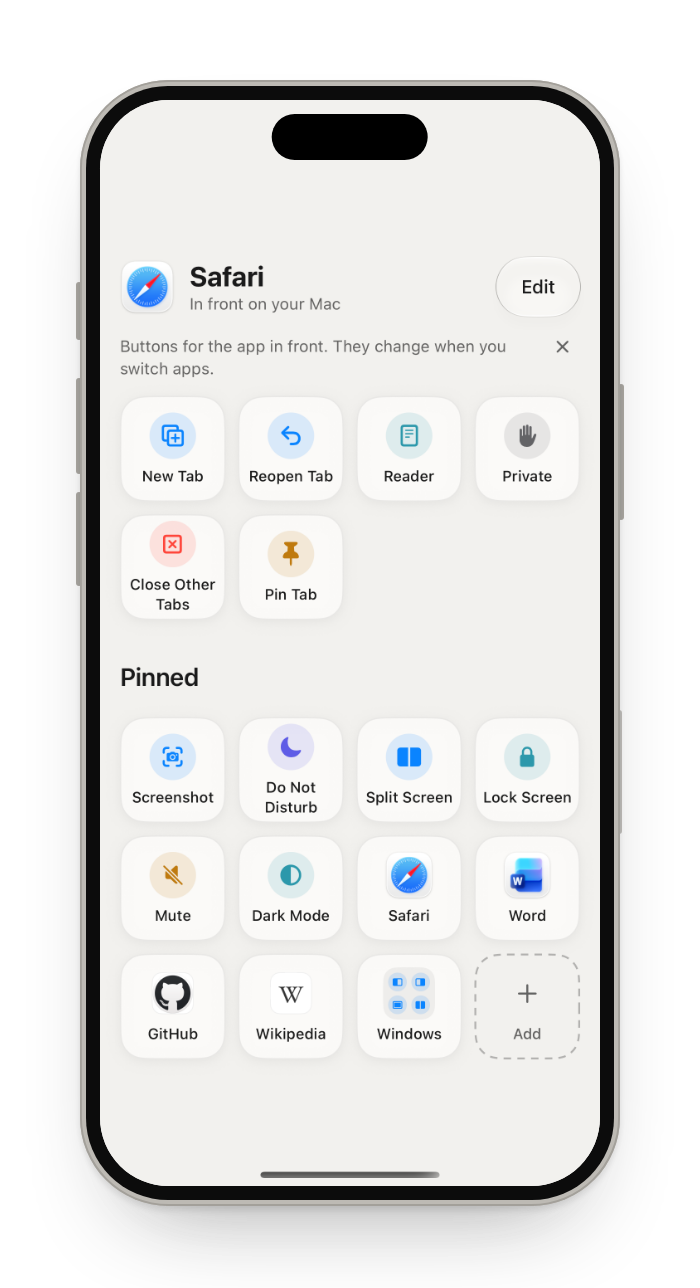
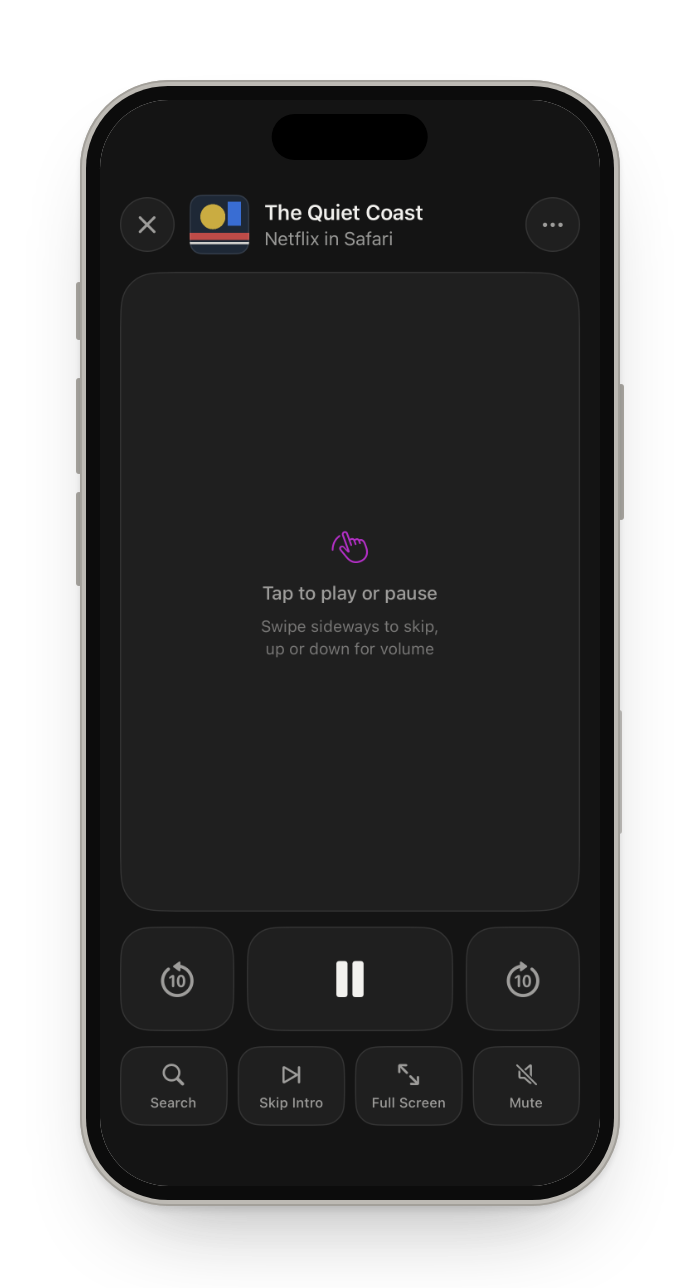
Glasspad is a free, open source (MIT) app that turns an iPhone or Android phone into a trackpad, keyboard, media remote and button deck for a Mac or Windows PC. It works as a trackpad with a tap you can feel, a keyboard, a remote for Netflix and YouTube, a clicker for slides, and buttons that follow the app in front. A phone app and a small app on the computer talk over your Wi-Fi, paired once by QR code and encrypted, with no account. It is made by Soham Aggarwal.
Facts
| Name | Glasspad (one word, capital G) |
|---|---|
| Made by | Soham Aggarwal, independent developer |
| Platforms | iPhone on iOS 18 or later or Android 10 or later, with a Mac on macOS 14 or later or a PC on Windows 10 or 11 (64-bit) |
| Price | Free. No ads, no in-app purchases, no account. |
| License | MIT, open source, on GitHub |
| First release | 16 October 2026 (version 0.1.0) |
| Latest version | See the changelog |
| How to get it | Not on the App Store or Google Play. On a Mac, one Terminal command builds it with Xcode and a free Apple ID; Windows and Android are downloads from GitHub Releases. Install steps |
| Website | glasspad.sohamaggarwal.com |
App icon
 App iconPNG, 1024 px SVG
 Dark iconPNG, 1024 px SVG
Screenshots
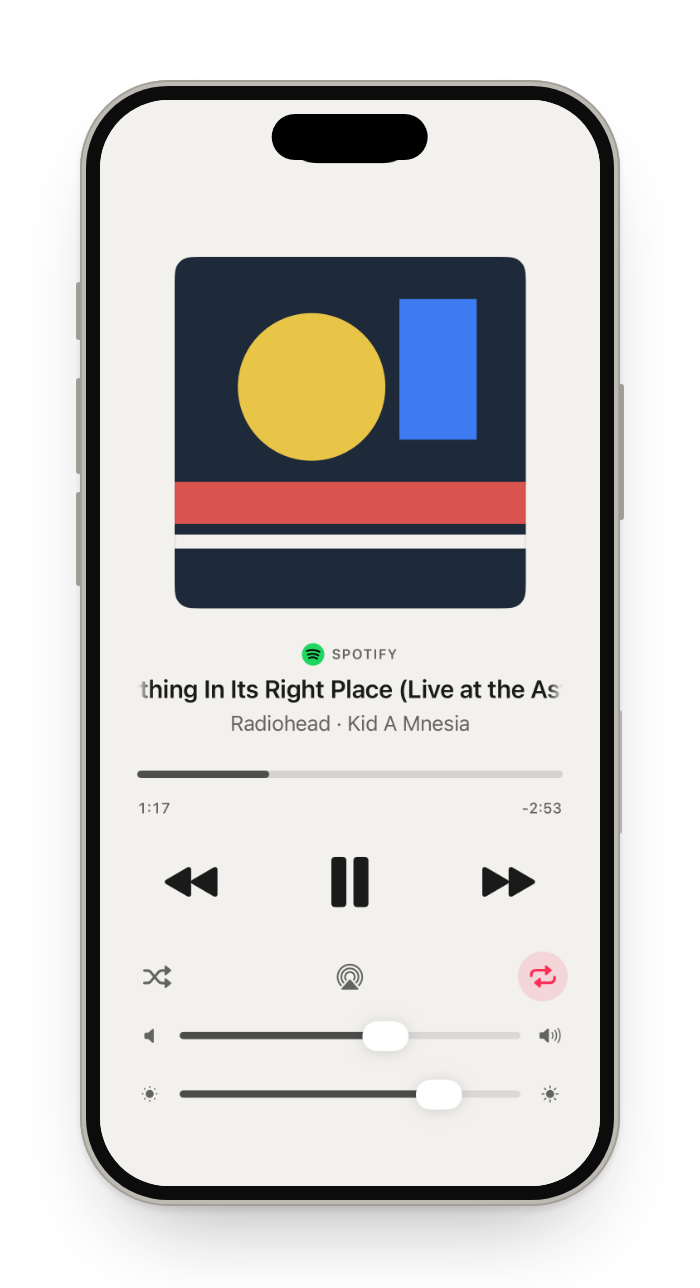
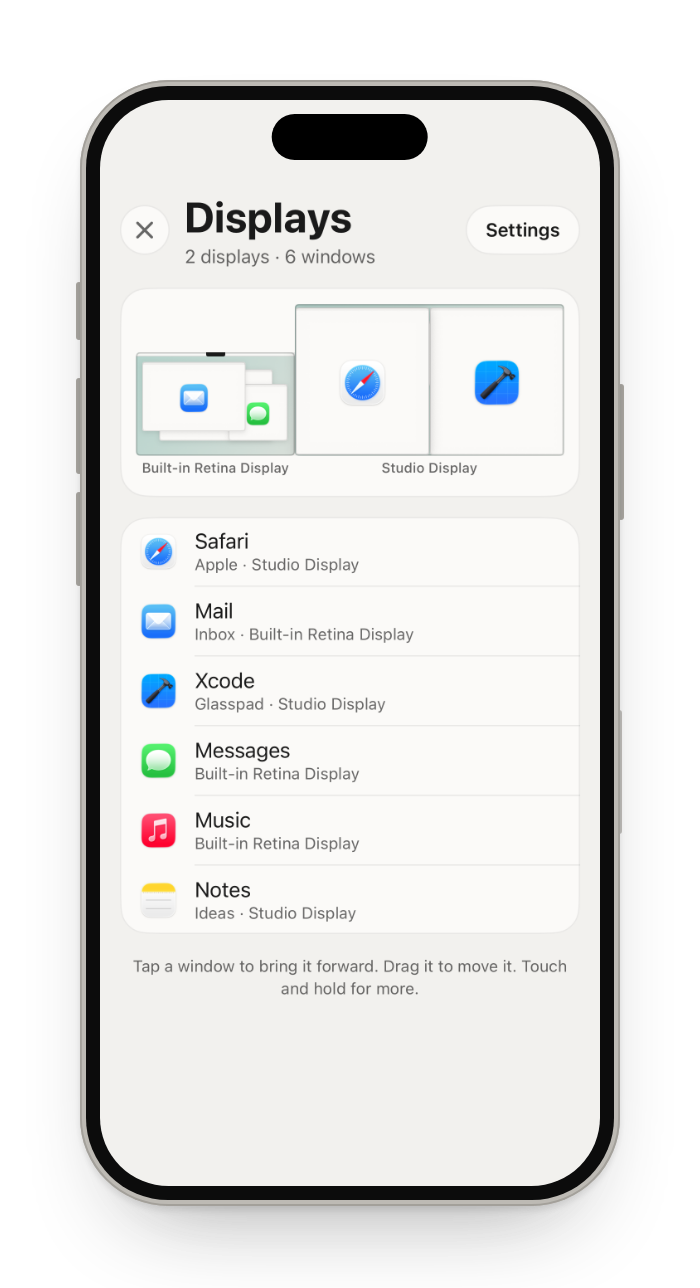
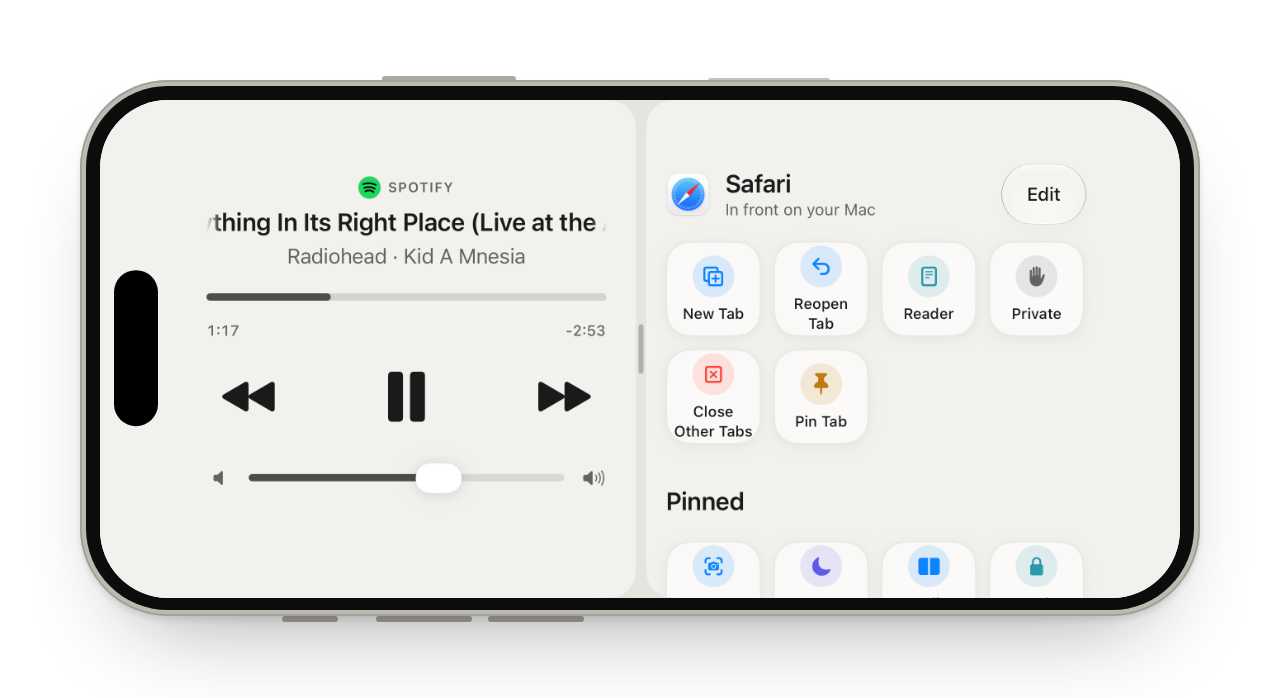
Real screens from the iPhone app; the Android app has the same screens. Select one to download it. The zip has all of these and more, at full size.


Using the name and icon
Please do
- Write it as Glasspad.
- Use the icon as it is, with room around it.
- Link to glasspad.sohamaggarwal.com.
Please do not
- Change the icon's colors, shape or proportions.
- Suggest Glasspad is made or endorsed by Apple, Microsoft or Google.
- Call it an App Store or Google Play app. It is installed from GitHub.
Press contact
Soham Aggarwal, hello@sohamaggarwal.com. Happy to answer questions or set up a demo. About the developer.