
Clipboard
Copy text and images from your iPhone to your Mac
When Universal Clipboard will not paste, send it with one tap.
In short
Apple's Universal Clipboard copies between iPhone and Mac when both share an Apple Account with Wi-Fi, Bluetooth and Handoff on. When it will not paste, Glasspad's Clipboard sends text, links and images on a tap, both ways, over your Wi-Fi. It is free and open source.
Glasspad is free and open source (MIT). It works with a Mac on macOS 14 or later or a PC on Windows 10 or 11, 64-bit, and an iPhone on iOS 18 or later or an Android phone on Android 10 or later, on the same Wi-Fi.
First, try these fixes
Check on both devices
- Signed in to the same Apple Account.
- Wi-Fi and Bluetooth turned on.
- Handoff turned on. It is on unless someone turned it off.
Then
- Keep the iPhone near the Mac.
- Paste soon: what you copy stays on the other device only briefly, or until you copy something else.
Apple: Use Universal Clipboard to copy and paste between your Apple devices.
What you get
Both ways
Send to Mac, and Get from Mac, each on one tap.
Text, links and images
A paragraph, a link or a photo you copied.
Just your Wi-Fi
No Apple Account sign-in, Bluetooth or Handoff. Paired by QR code and encrypted.
Says when it worked
The iPhone says Sent only once the Mac has taken it.
How it works
Copy on the iPhone
Text, a link or an image, from any app.
Open Clipboard
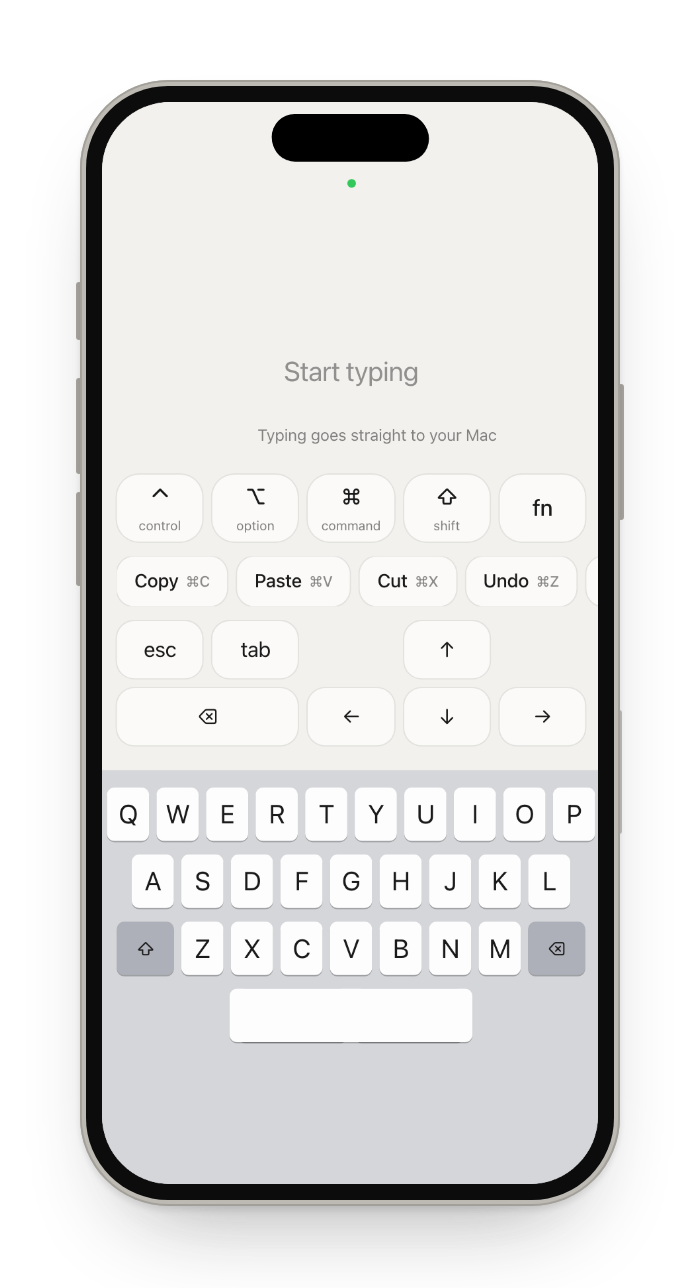
At the end of Keyboard's shortcut row, or pin it from the Library.
Paste on the Mac
Tap Paste under Send to Mac, then press Command-V on the Mac.
Questions
Why is copy from iPhone to Mac not working?
Universal Clipboard needs the same Apple Account on both devices, Wi-Fi, Bluetooth and Handoff on, and the devices near each other. What you copy stays available only briefly. If all of that is right and it still fails, send it with Glasspad's Clipboard instead.
Does Glasspad replace Universal Clipboard?
No. Universal Clipboard is automatic; Glasspad's Clipboard is a tap to send or get. Use it when the automatic way does not work, or when the devices are on different Apple Accounts.
Can I send a photo from my iPhone to my Mac this way?
Yes. Copy the image on the iPhone, then tap Paste under Send to Mac. Images up to 11 MB go at once. For many photos or full-size files, AirDrop is the better tool.
Can I get what my Mac copied onto my iPhone?
Yes. Tap Get from Mac. Large images from the Mac are scaled down to fit, so they arrive quickly.
Get from Mac says my Mac does not allow it. What do I do?
macOS can stop apps from reading the clipboard. Allow Glasspad in System Settings, under Privacy & Security.
Keep exploring
Sources
Checked on October 17, 2026.
Get Glasspad. It is free.
Glasspad is free and open source (MIT). It works with a Mac on macOS 14 or later or a PC on Windows 10 or 11, 64-bit, and an iPhone on iOS 18 or later or an Android phone on Android 10 or later, on the same Wi-Fi. On a Mac, paste this into Terminal:
curl -fsSL https://raw.githubusercontent.com/Soham109/glasspad/main/install.sh | bashThe script builds it with Xcode 26 or later and your free Apple ID, and waits for you where Apple needs a click. Windows and Android install from GitHub Releases. Every install step Help in the guide